Switch Extensions
In One Click.
Stop manually toggling extensions. Create smart profiles for Work, Crypto, or Dev and switch instantly. Reclaim your RAM and declutter your browser toolbar.
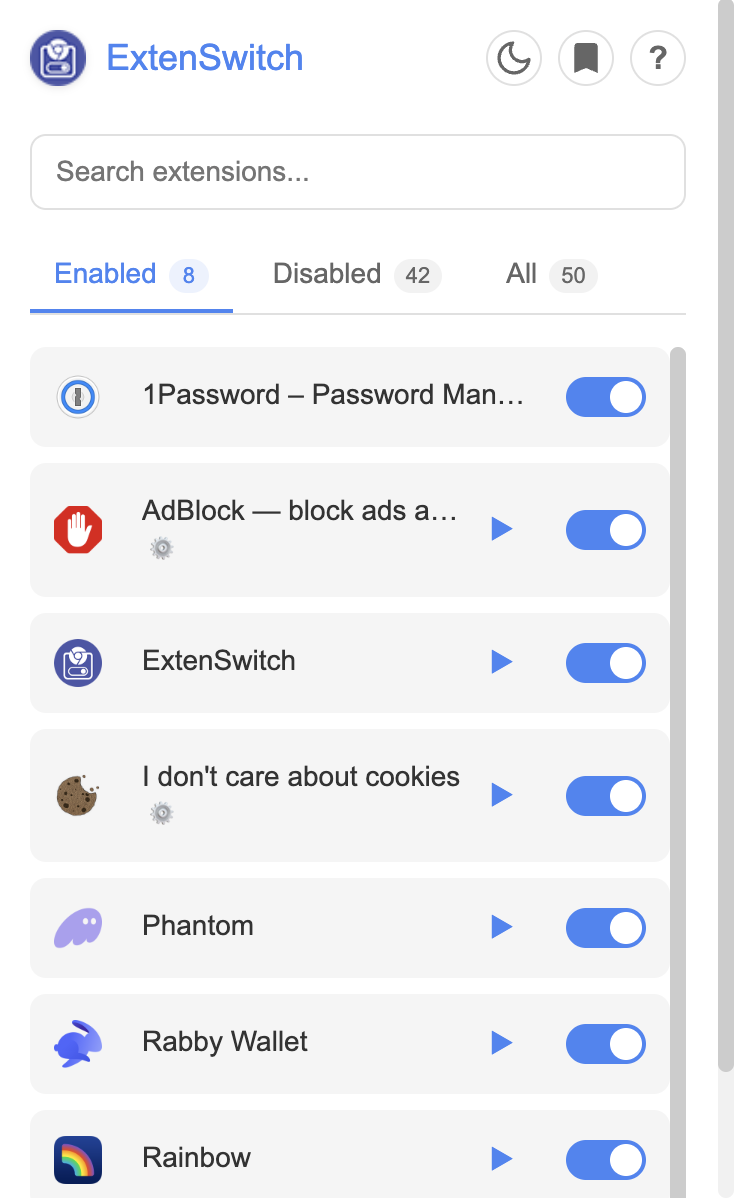
Is your browser cluttered?
Too Many Icons
Toolbar overflowing with extensions you rarely use?
High RAM Usage
Chrome slowing down due to background processes?
Task Switching
Need specific tools only for Crypto or Dev work?
Powerful Features
Everything you need to manage your browser environment efficiently.
Smart Profiles
Create dedicated setups for every context. One click switches you from "Work Mode" (Zoom, Slack, Trello) to "Crypto Mode" (Wallets, Charts).
Instant Toggle
Enable or disable extensions directly from the popup. No more digging through deep Chrome settings menus just to turn off a stubborn plugin.
Performance Boost
Reclaim your RAM. Keep heavy extensions disabled until you actually need them. A lighter browser means a faster, smoother workflow.
Cloud Sync
Profiles are now stored in Google Cloud. Your extension sets automatically sync across all computers where you're logged into Chrome. Includes smart migration for local profiles.
How It Works
Get started in seconds. Minimal setup, maximum productivity.
Install
Get ExtenSwitch from the Chrome Web Store.
Disable
Turn off extensions you aren't using right now.
Create Profiles
Group your extensions into 'Work', 'Gaming', etc.
Switch
Click any profile to instantly load your setup.